CC-Switch CLI (Server Scenarios)
Command-line CC-Switch for SSH remote servers and headless environments
This page does not depend on the desktop app. It can be used independently in server scenarios, without first doing the client download.
If you work on an SSH remote server or in another environment without a graphical interface, you can use the command-line CC-Switch CLI to manage provider configurations.
Download and Install
# 下载
curl -LO https://github.com/saladday/cc-switch-cli/releases/latest/download/cc-switch-cli-linux-x64-musl.tar.gz

# 解压
tar -xzf cc-switch-cli-linux-x64-musl.tar.gz

# 添加执行权限
chmod +x cc-switch

# 移动到 PATH
sudo mv cc-switch /usr/local/bin/
# 下载
curl -LO https://github.com/saladday/cc-switch-cli/releases/latest/download/cc-switch-cli-darwin-universal.tar.gz
# 解压
tar -xzf cc-switch-cli-darwin-universal.tar.gz
# 添加执行权限
chmod +x cc-switch
# 移动到 PATH
sudo mv cc-switch /usr/local/bin/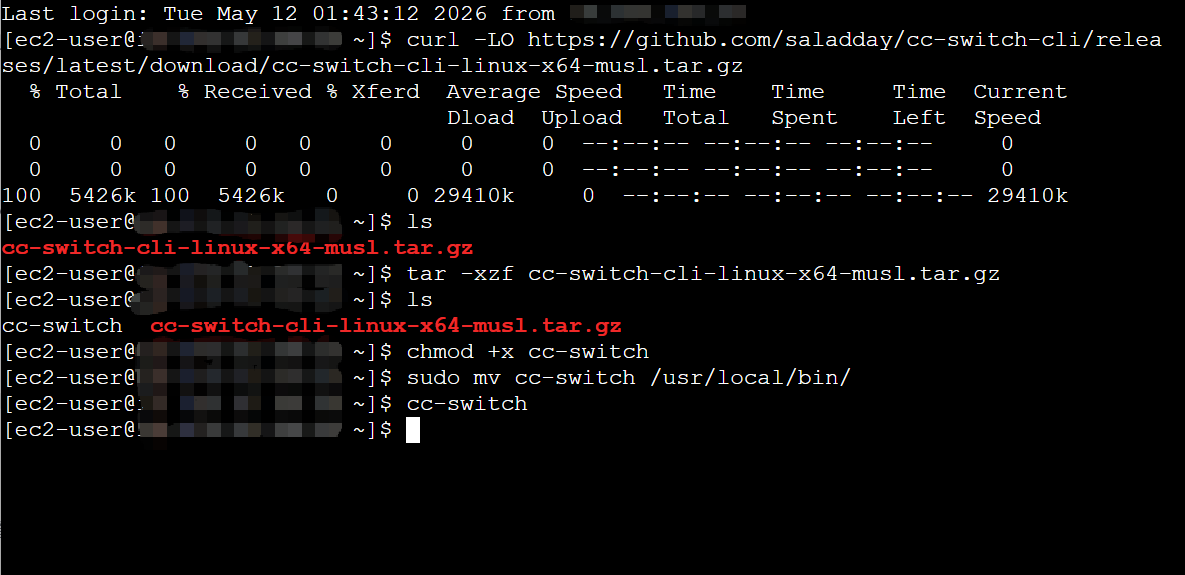
Add the GETMODEL Provider
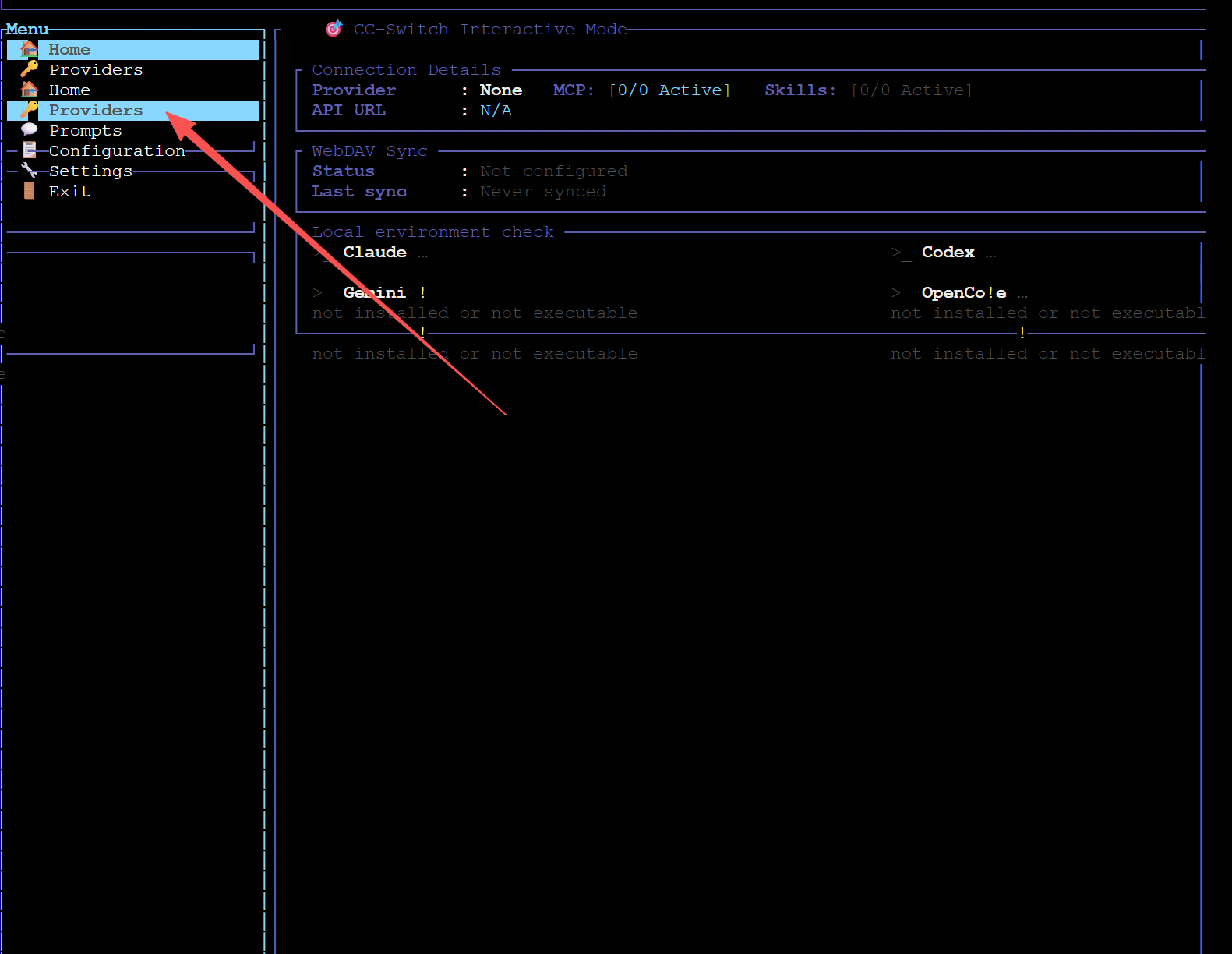
Run cc-switch in the terminal to launch the TUI. Use the arrow keys to move the left menu to Providers and press Enter to select it.
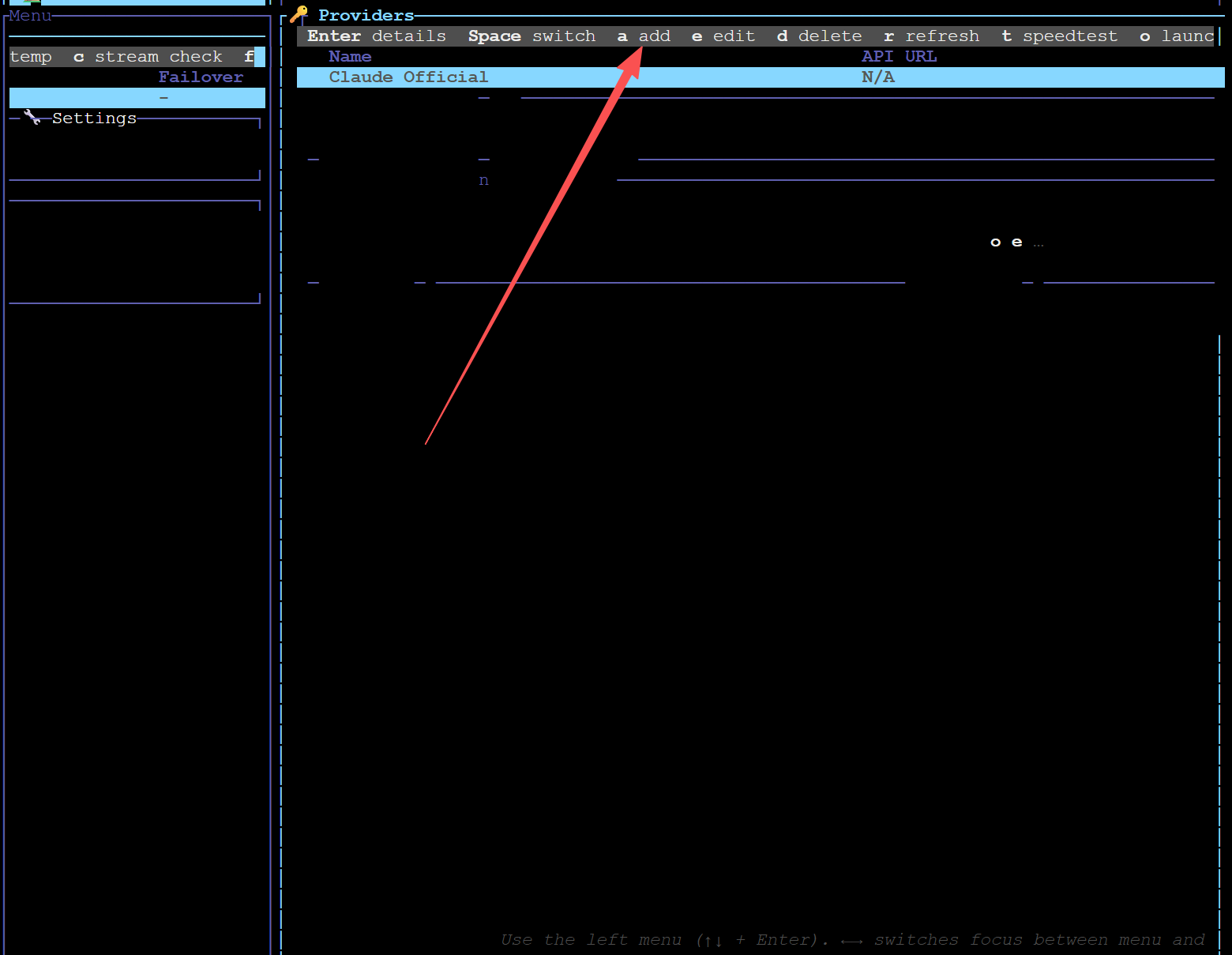
Press a to enter the provider add page.
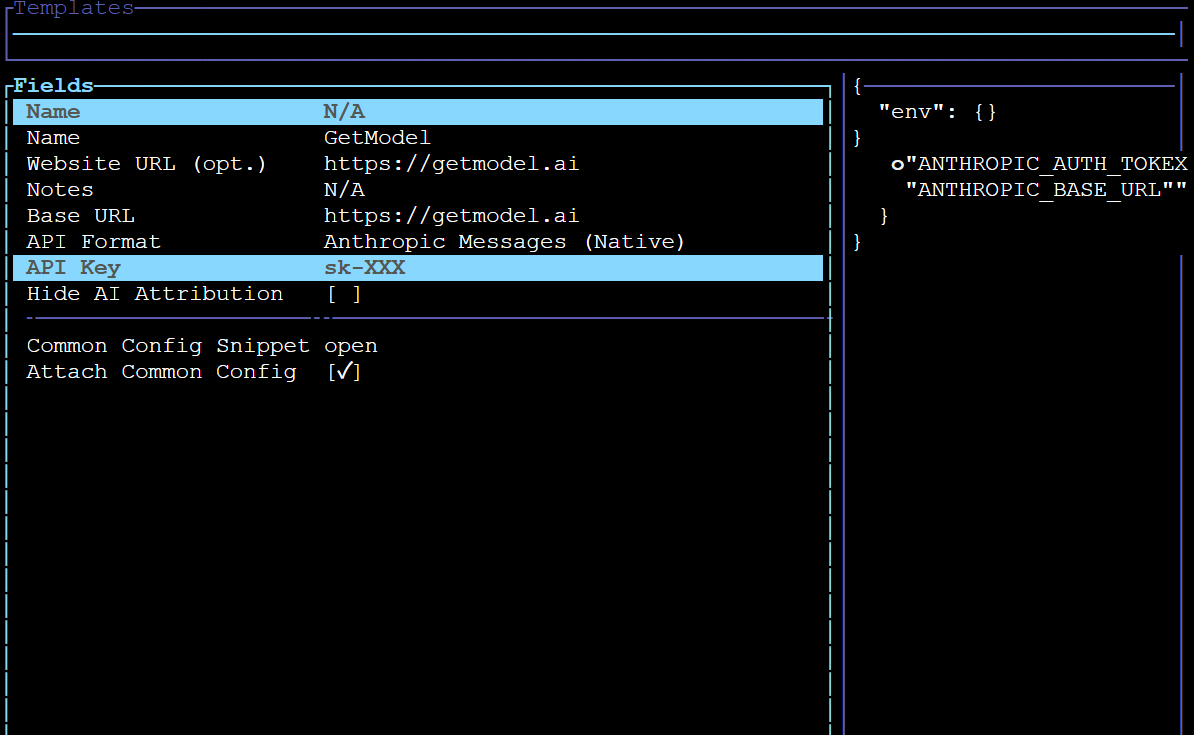
Paste your API token into the Api Key field, then press Ctrl+S to save.
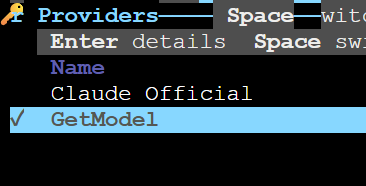
Confirm that the currently selected Provider is the GETMODEL provider you just added.
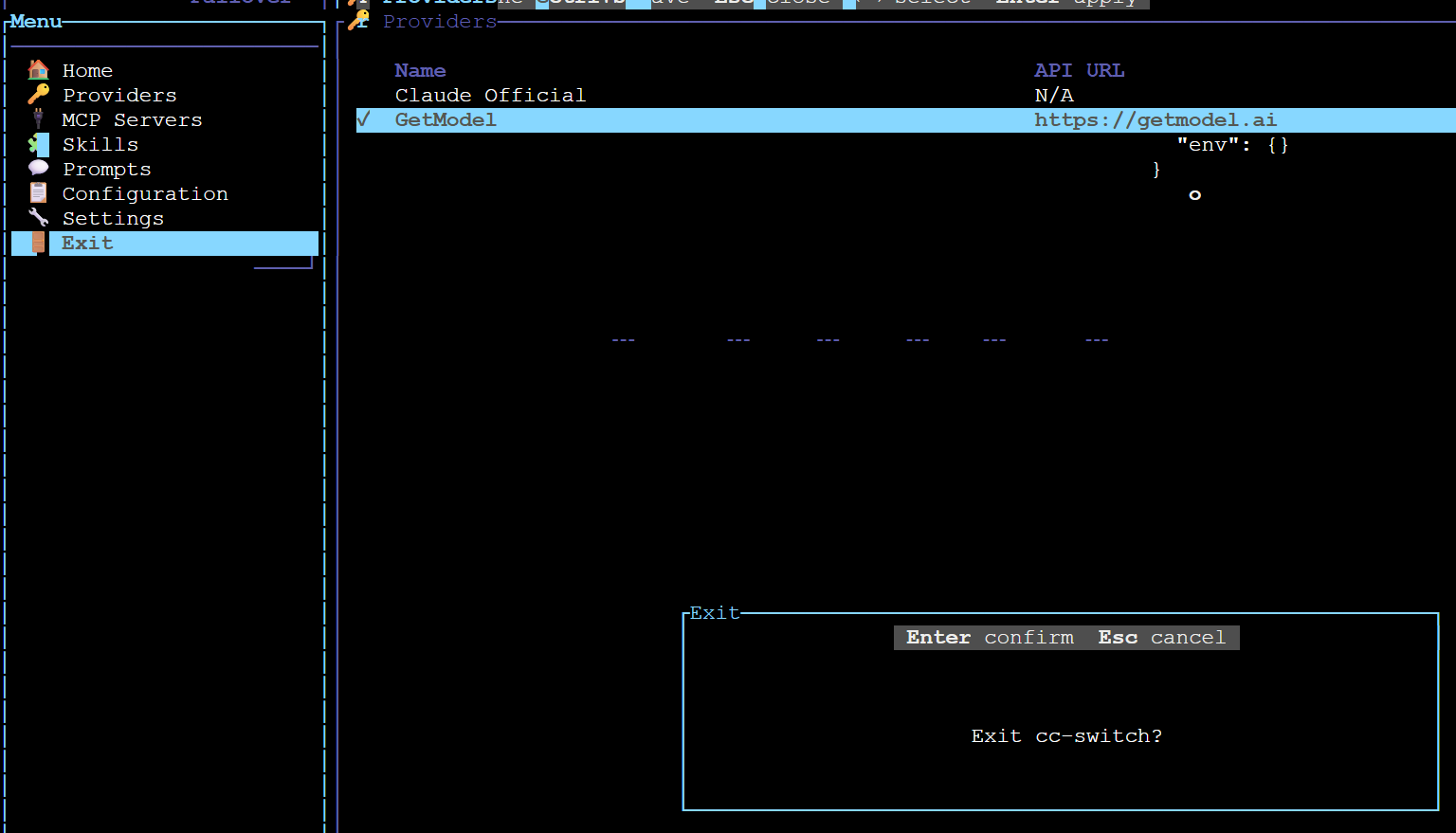
Choose exit from the left menu. CC-Switch CLI will automatically write the configuration to the corresponding CLI config file.
Common Commands Cheat Sheet
cc-switch                              # 启动 TUI 界面
cc-switch provider list                # 列出所有已配置的供应商
cc-switch provider switch <id>         # 快速切换到指定供应商
cc-switch --app codex provider list    # 查看 Codex 的供应商配置