Using CC-Switch
Codex Configuration
Add and enable the GETMODEL provider for Codex in CC-Switch
For the Codex CLI.
Prerequisite: Please complete the client download first, otherwise the CC-Switch desktop app won't be available.
Add the GETMODEL provider
Open CC-Switch and switch the top group bar to Codex
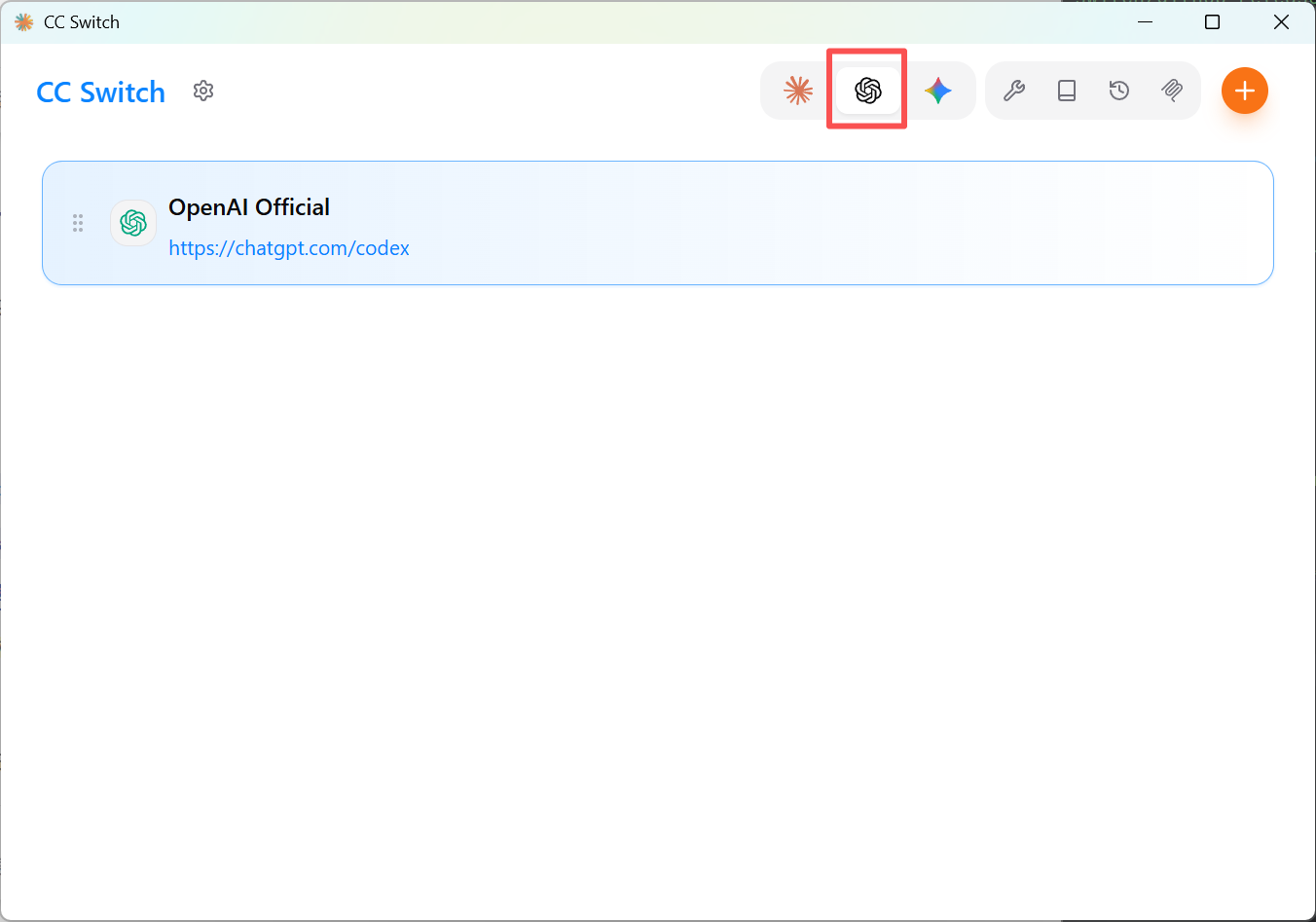
Click the "Add provider" button
Fill in the form that pops up:
- Provider name: your choice, for example
GetModel-Codex - API request URL:
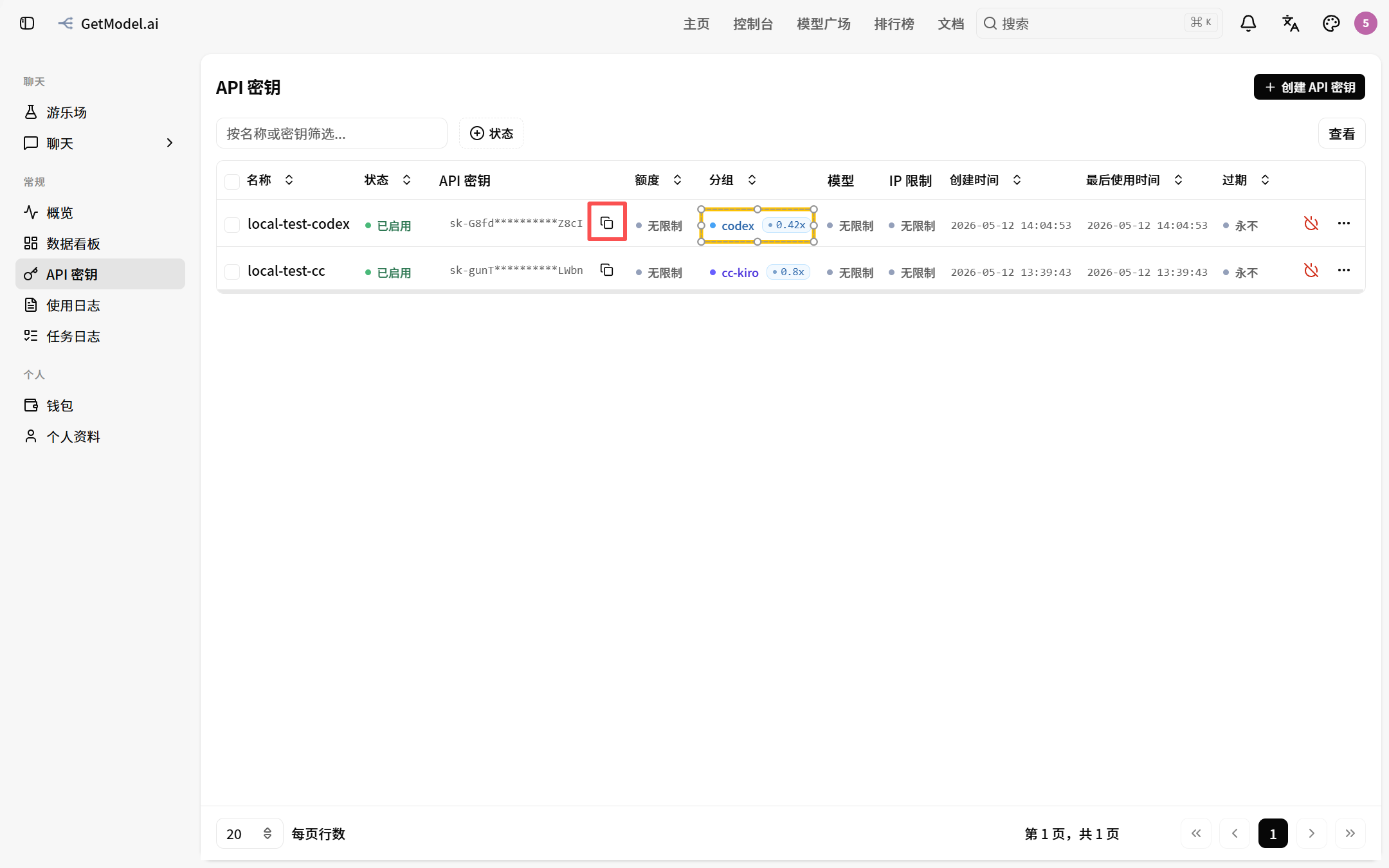
https://getmodel.ai/v1 - API Key: the string you got from Create an API token
- Model: choose the default model that corresponds to Codex
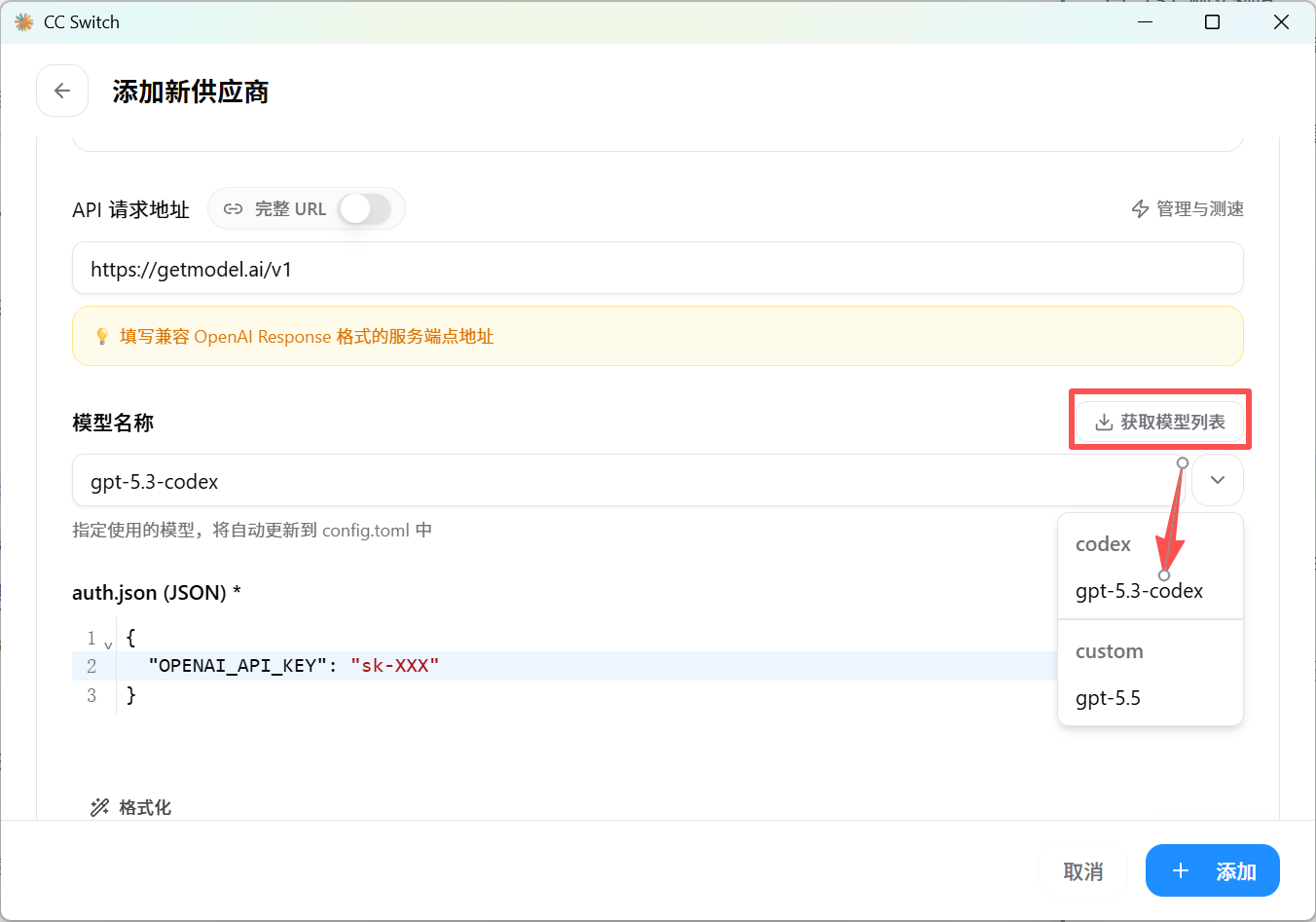
Click "Add" to save
Back on the main screen, click "Enable" to the right of the newly added provider; once the status changes to "In use", you're done
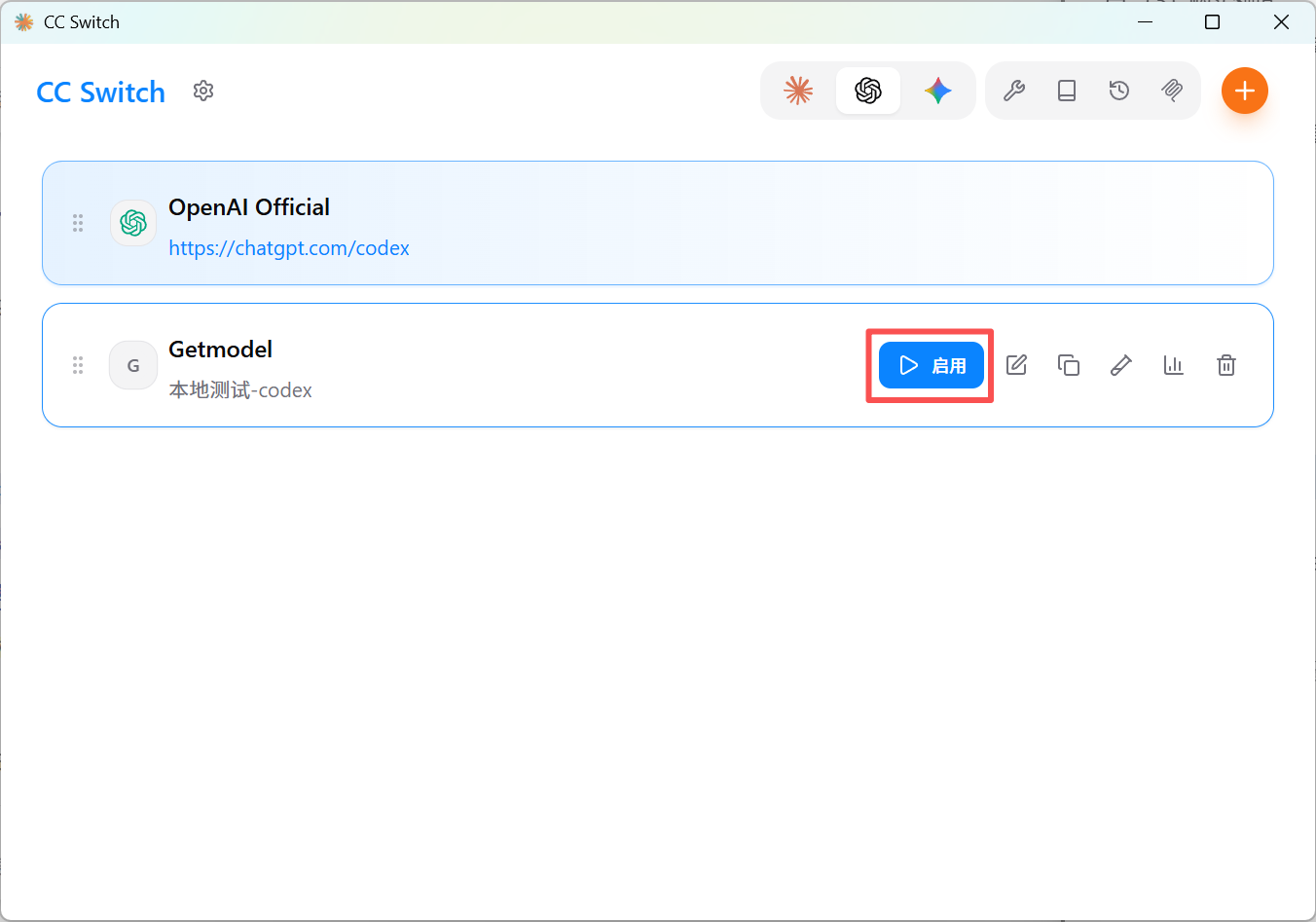
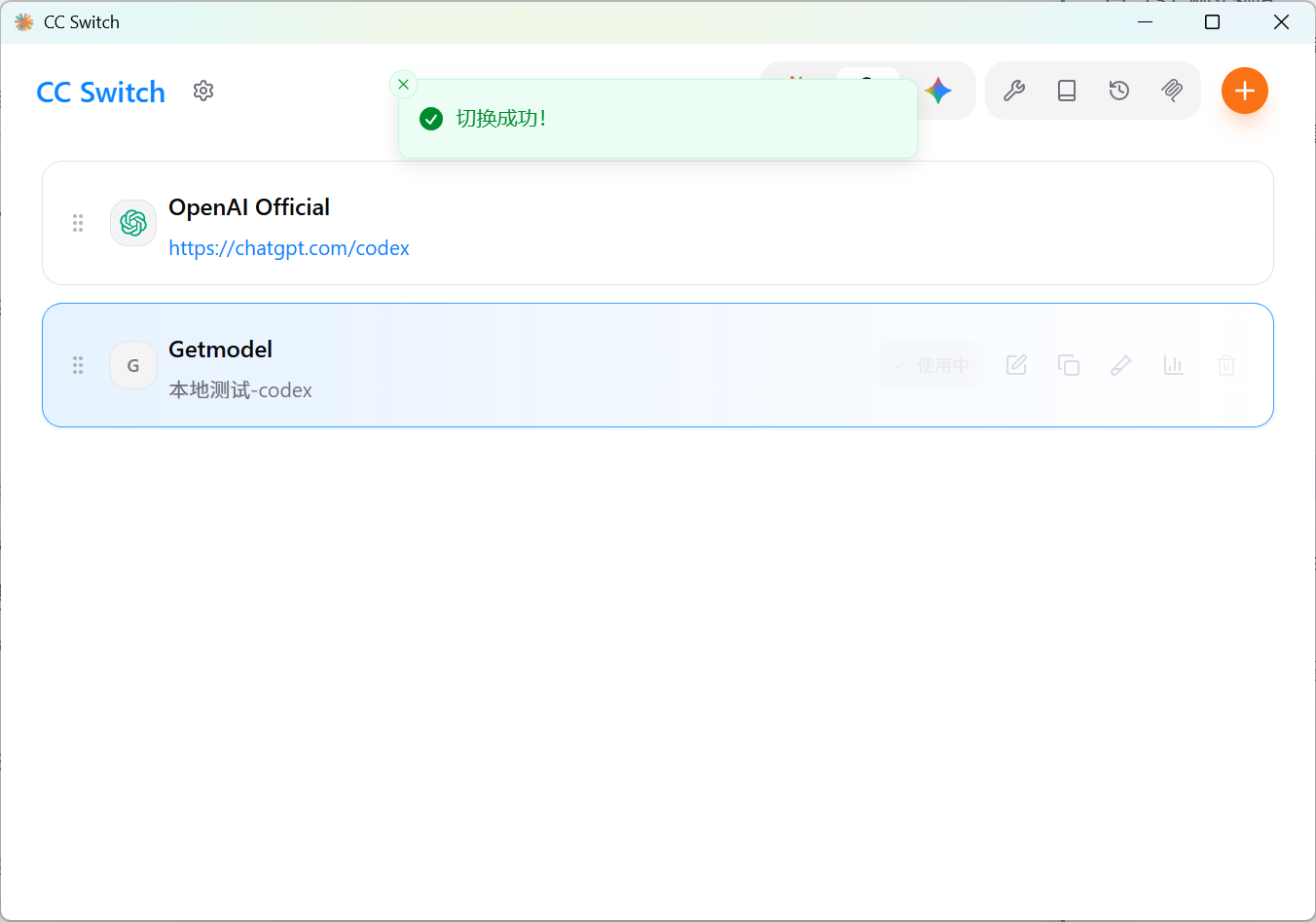
Enabled = the configuration actually in effect for the current CLI. When switching, CC-Switch directly modifies Codex's configuration file, so right after switching the codex command uses the new configuration immediately, with no restart needed.
Verify
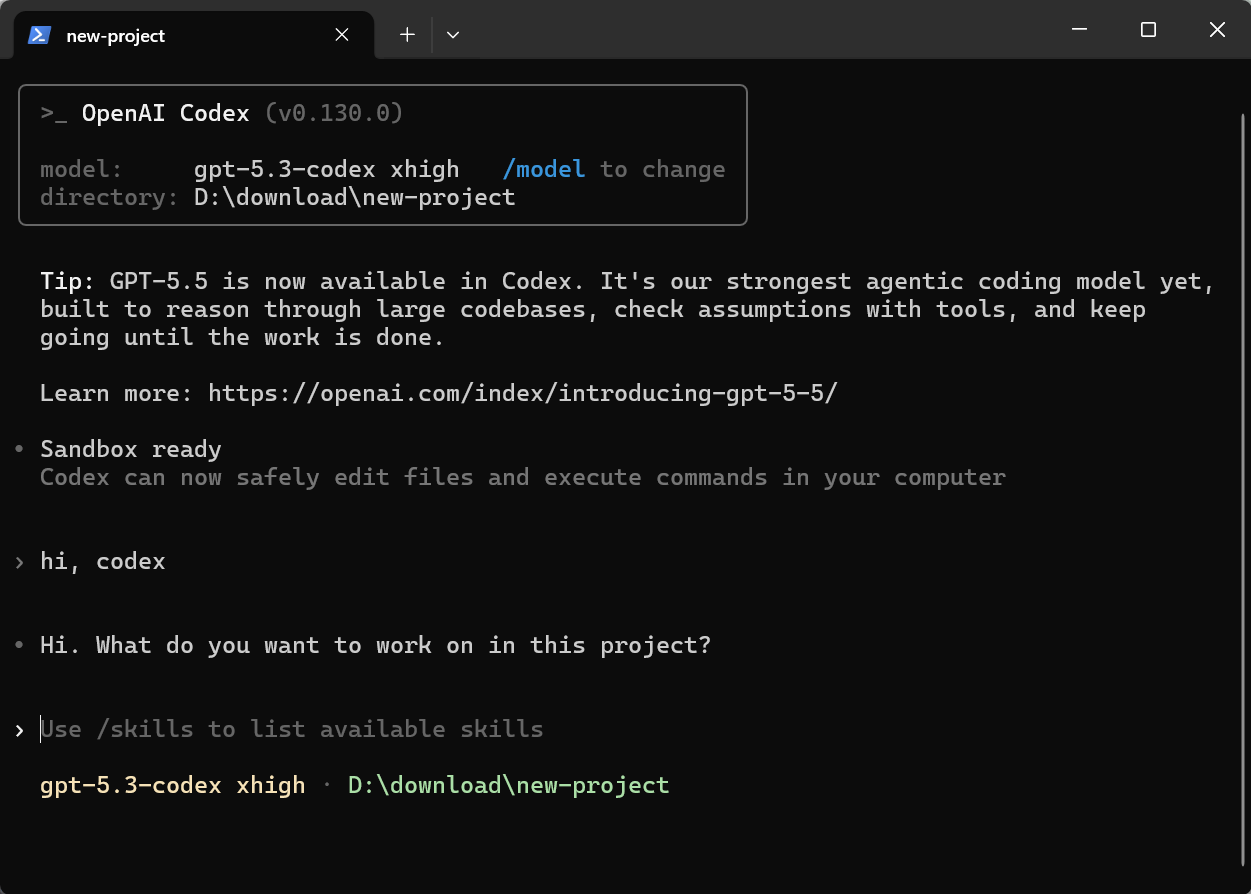
Open a terminal and run codex; if you can chat normally, the configuration is in effect.