Using CC-Switch
Client Download
Install the CC-Switch desktop app (Windows / macOS / Linux)
This is the first step to using the CC-Switch desktop app. Both Claude Code Setup and Codex Setup depend on completing it.
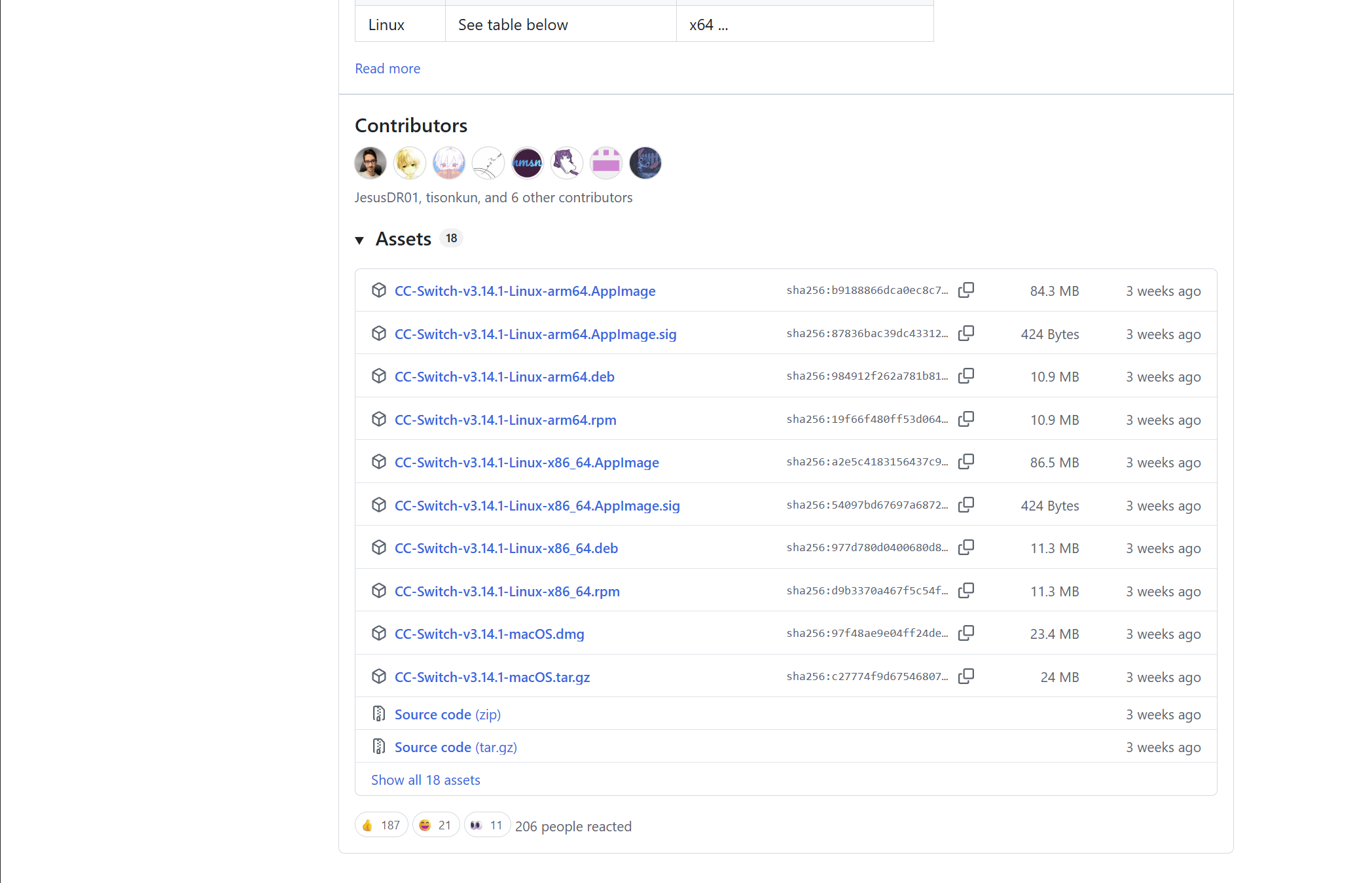
Go to CC Switch Releases, scroll to the bottom, download the .msi installer, and double-click to install.
Option 1: Homebrew (recommended)
brew tap farion1231/ccswitch && brew install --cask cc-switchOption 2: Manual install
Go to CC Switch Releases and download the latest DMG installer.
macOS security note: The first time you open the app, you may see a "cannot verify the developer" prompt. Go to "System Settings" → "Privacy & Security" and click "Open Anyway".
- Arch Linux:
paru -S cc-switch-bin - Other distributions: Go to CC Switch Releases and download the DEB / RPM / AppImage
Next Step
Choose based on the CLI you want to use: Claude Code · Codex