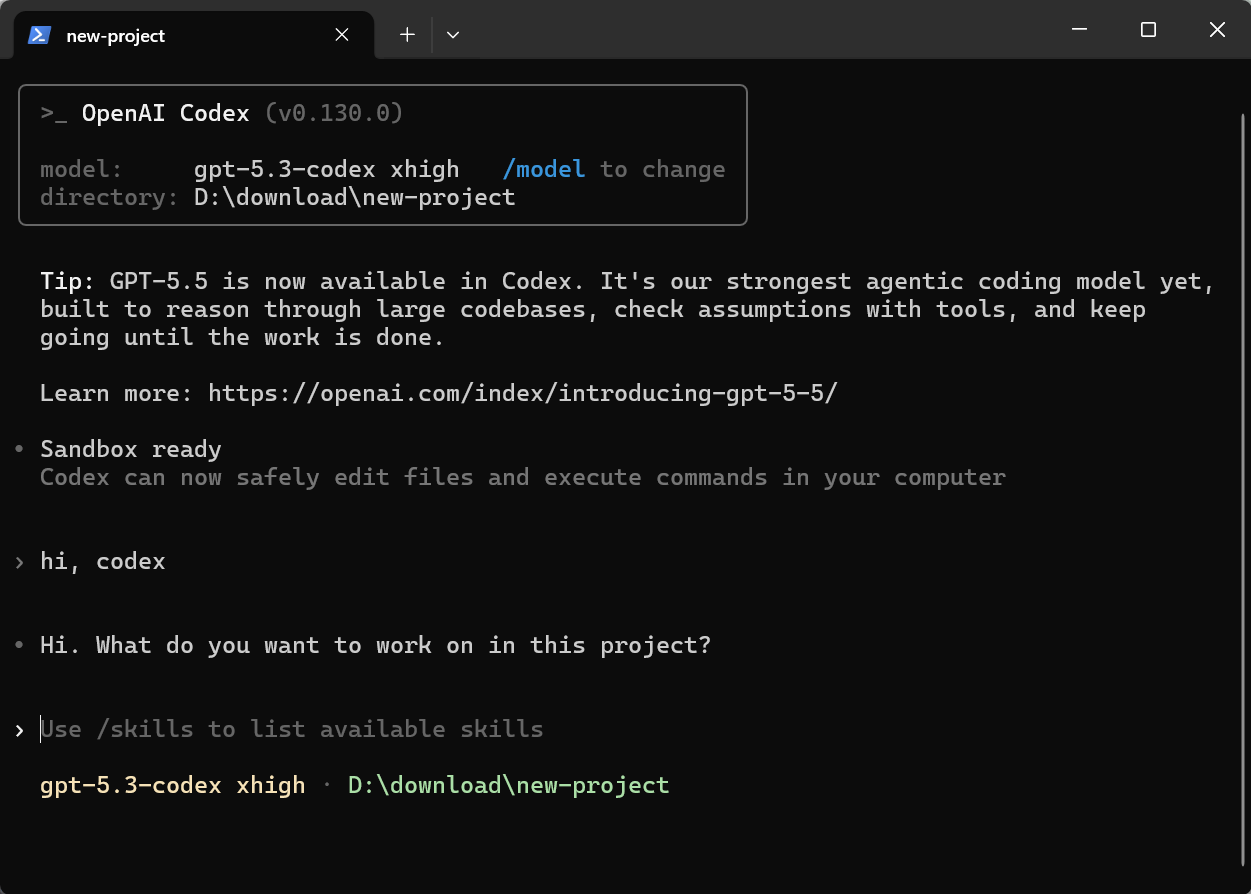
Codex Configuration
Add a GETMODEL API Key for Codex in GetModel Desktop
Prerequisite: Please complete the client download first, otherwise the GetModel Desktop app won't be available.
Add a GETMODEL API Key
Open the GetModel API Tokens page
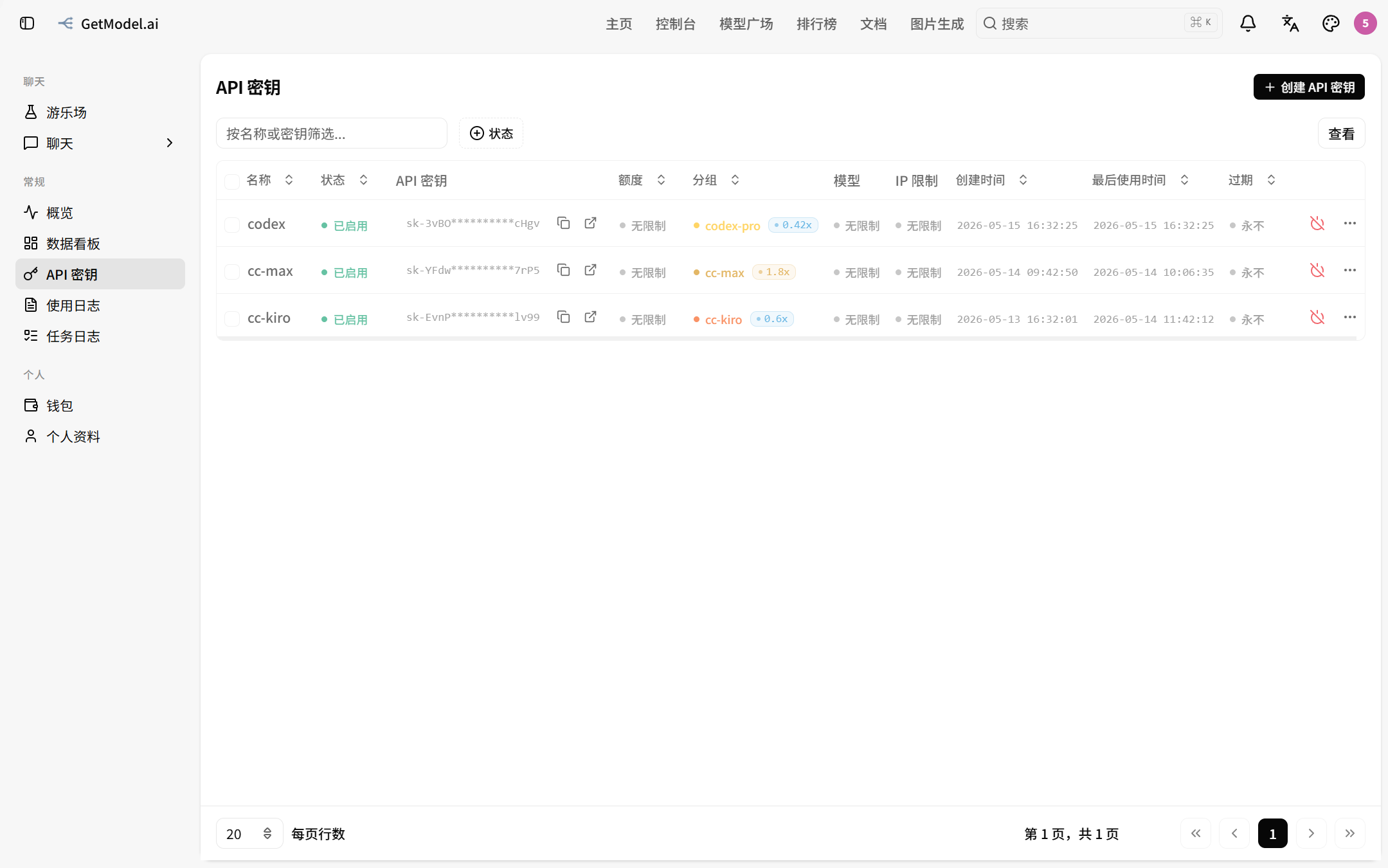
Find the codex-related group and click the "One-click Import" icon
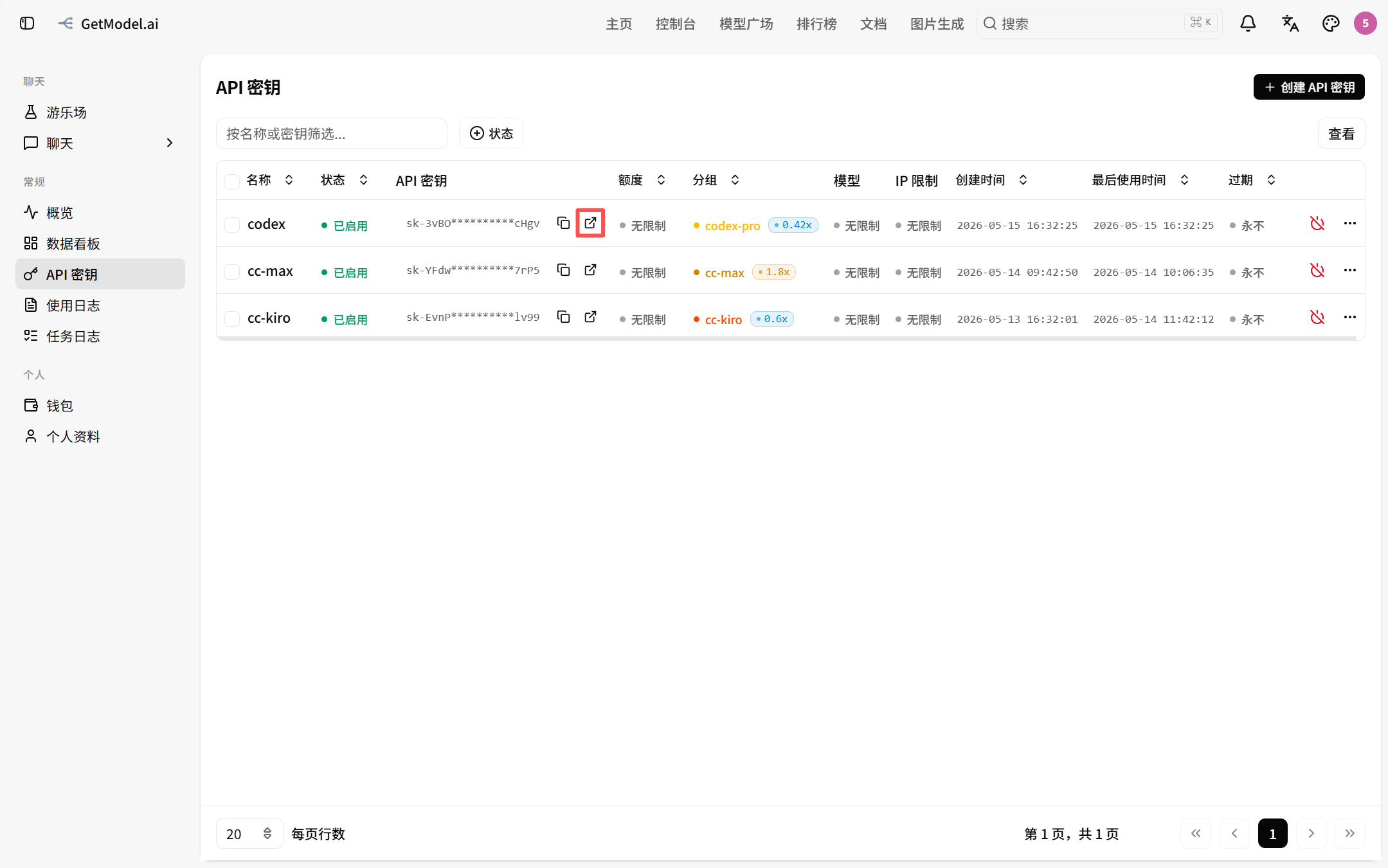
Select Codex, fill in the relevant model, and click the "Open GetModel Desktop" button
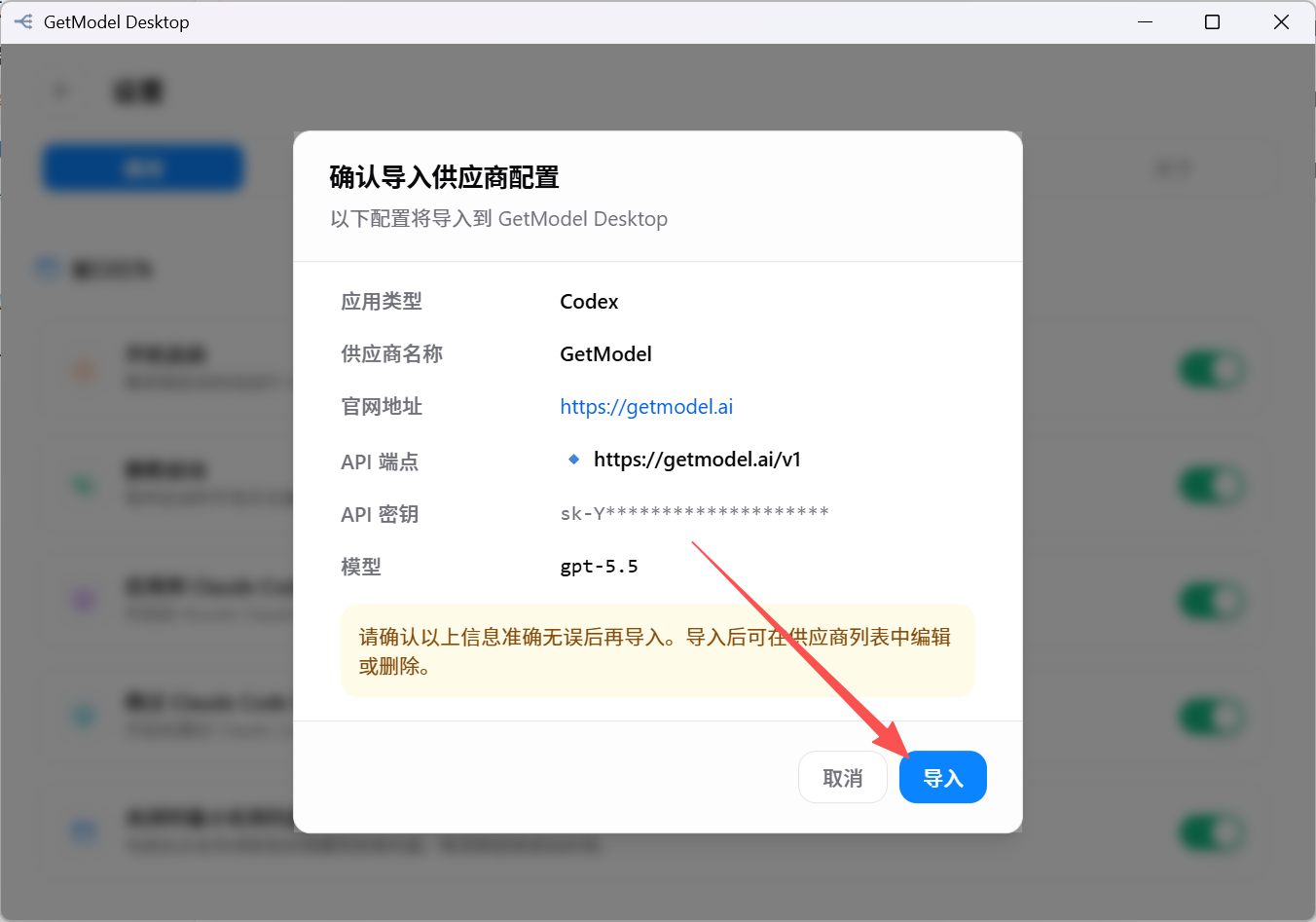
GetModel Desktop opens automatically. Click the "Import" button
It has automatically switched to the GetModel Key~
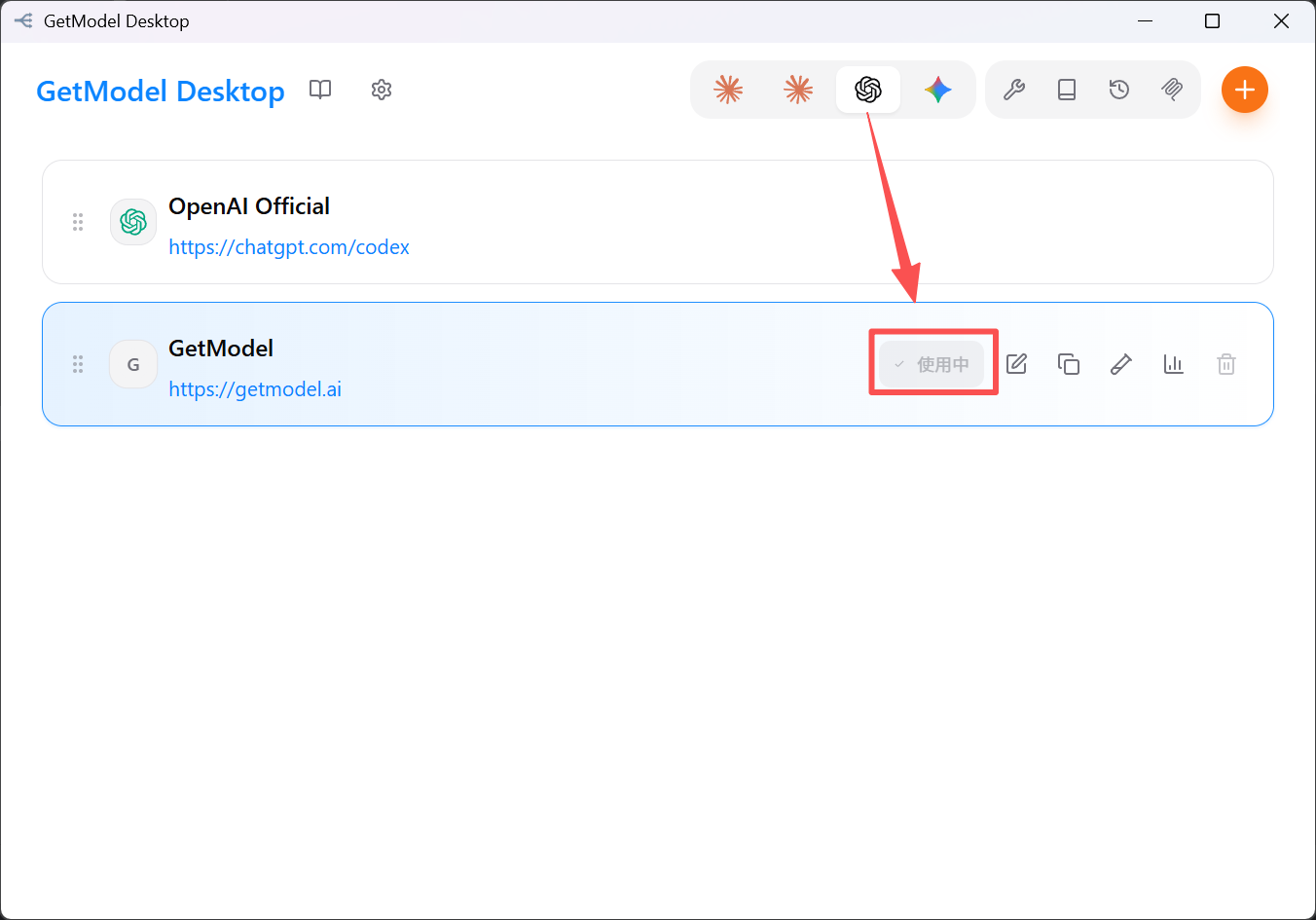
Enabled = the configuration currently in effect for the CLI. When switching, GetModel Desktop directly modifies Codex's configuration file, so the codex command uses the new configuration immediately after switching, with no restart required.
Verification
Open a terminal and run codex. If you can chat normally, the configuration is in effect.